Flagship demo
Citadail
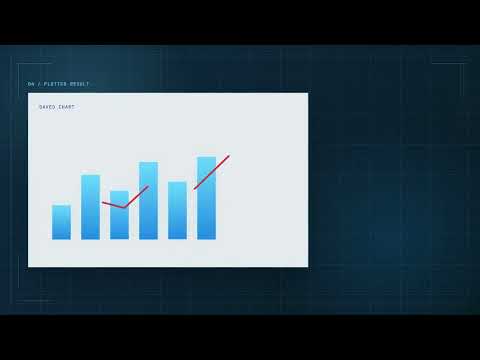
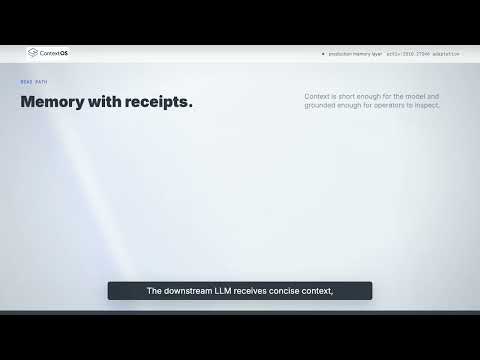
A product walkthrough showing timeline sequencing, screen emphasis, title placement, and clear demo pacing.
Video samples
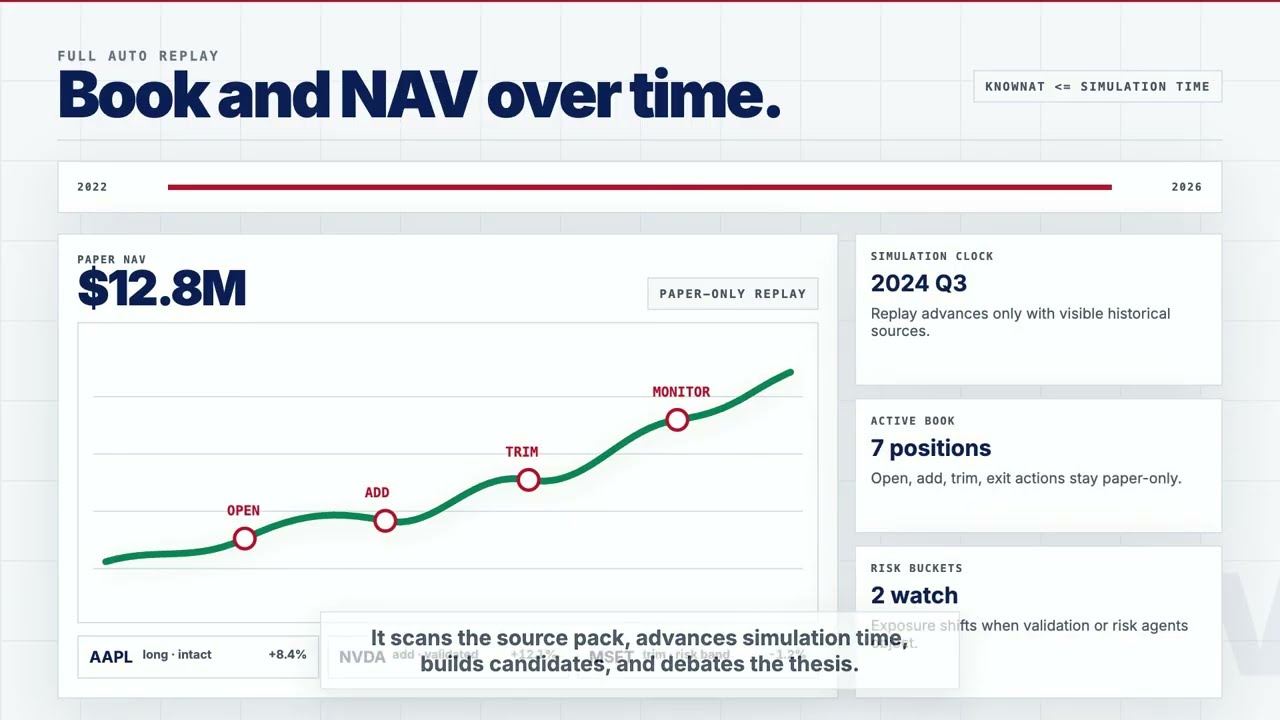
Selected product demos, walkthroughs, and visual explainers showing timeline editing, screen capture, captions, audio cleanup, and export workflows relevant to Shotcut, iMovie, and DaVinci Resolve.
source videos
featured edits
supporting samples
product walkthrough focus
Featured Videos
These demos show practical skills used across Shotcut, iMovie, and DaVinci Resolve: trimming, sequencing, captions, audio cleanup, and publish-ready exports.
Flagship demo
A product walkthrough showing timeline sequencing, screen emphasis, title placement, and clear demo pacing.
Visual explainer
A visually driven walkthrough emphasizing motion, scene rhythm, and viewer orientation.
Product walkthrough
A concise operational demo focused on interface flow, trimmed pacing, and clear screen-capture presentation.
More samples
Six additional links show supporting examples across product demos, technical walkthroughs, and edited screen recordings.
Workflow
Record clear source footage, then organize takes for timeline editing and clean assembly.
Cut dead time, sequence steps cleanly, and keep walkthroughs moving at a viewer-friendly pace.
Add concise labels, transitions, and captions where they clarify what is happening on screen.
Prepare shareable outputs with clean playback, readable visuals, and publishing settings suitable for web portfolios.